Send SMS's in Linux, via Bluetooth

By: António Casqueiro | Published: 2008/02/24 Change language:  

Introduction

Last week at work we were having some problems with a software that send SMS's, So I decided fix this issue this weekend.
I had already developed in program in December 2004, using Windows 2000, that connected to the serial port through my Siemens C45 mobile phone. In that occasion I tried to run the program in Linux, but I could not connect to the serial port. Since I'm not a guru at Linux I decided ignore this problem. Thus, with my experience it should be easy to change my old code.
My life would have been a lot easier if: This horror movie ended after I successfully installed Windows 2000, connected the Siemens to the serial port and a connection was made between the mobile and the PC. The Nokia one never worked. After this achievement, I was confidant in my work and in Java, so I switched the hard drive, and put my Media Center running in Linux again and the connection (using Siemens) worked in Linux too!
Still I wasn't totally happy, because I should be able to connect via bluetooth, and that's why I wrote this tutorial.

Setup a Serial Port Connection with bluetooth, step by step

  1. Activate "kbluetooth"
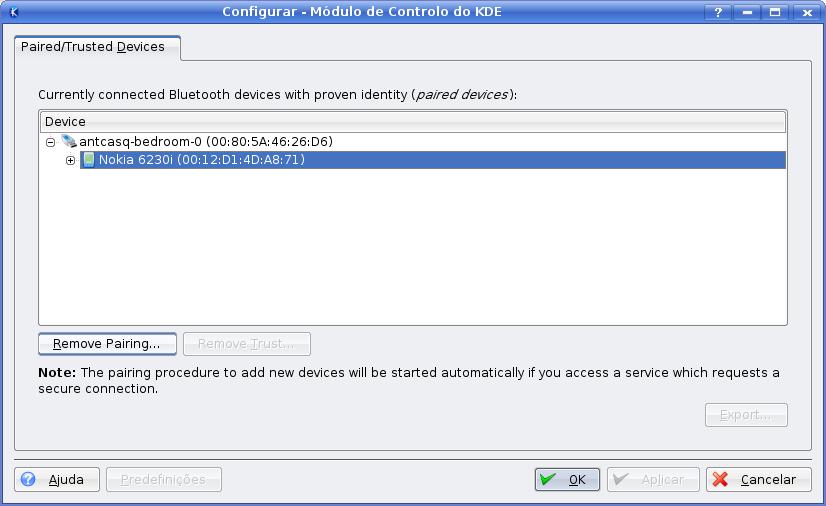
  2. Remove the previous paired devices


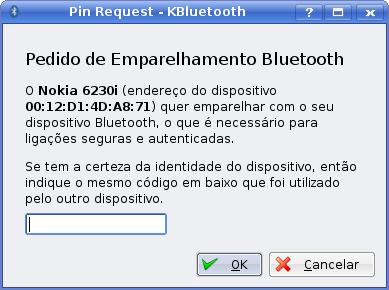
  3. Pair the desired mobile phone
  4. Avoid accepting connections manually every time
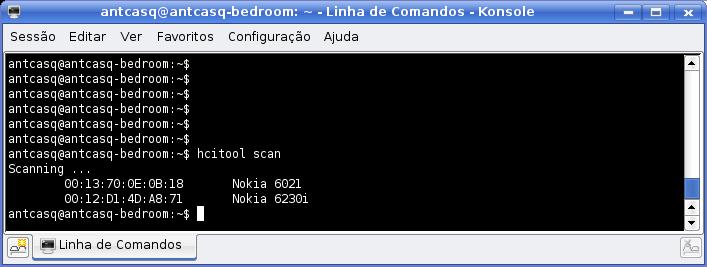
  5. Search for devices
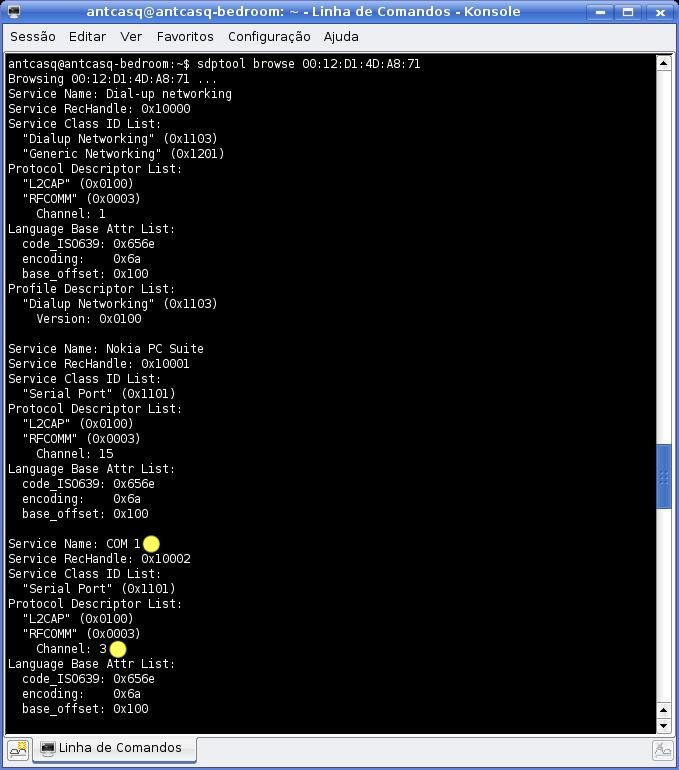
  6. View the available services provided by the mobile phone
  7. Automatically bind the COM service
  8. Restart the bluetooth service
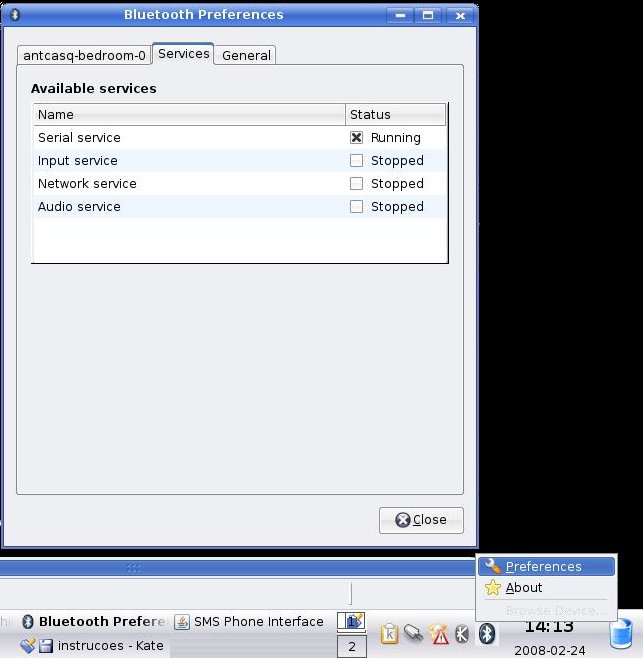
  9. Activate the serial port bluetooth service in the PC
  10. Emulate a serial port
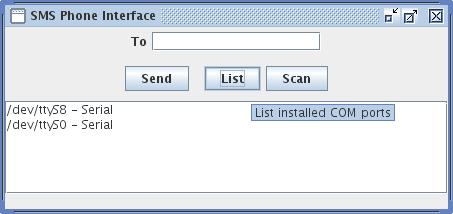
  11. Check if everything is OK

Link(graphy)

"SmsPanel" requirements

Performed tests

Thanks to